The Best Platforms for Affordable Online Courses and Classes

Find the best platforms for affordable online courses, including free and paid options for certificates, coding, business, creative skills, and beginners.
Learning a new skill no longer has to cost thousands of dollars.
Today, you can study business, coding, design, marketing, writing, data, languages, and many other topics from your phone or laptop.
But here is the problem: not every online course platform is worth your time or money.
Some platforms are great if you want a certificate.
Some are better if you only want to learn a practical skill.
Others are useful for creative work, freelancing, tech jobs, or professional development.
That is why choosing the right platform matters.
A cheap course is not always a good course. And a paid certificate is not always necessary, especially if your goal is to build real skills and start using them.
Below, we’ll look at the best platforms for affordable online courses, who they are best for, what they cost, and when they actually make sense.
Quick Comparison of the Best Affordable Online Course Platforms
| Platform | Best For | Free Option? | Certificate Option? | Best Choice If You Want |
|---|---|---|---|---|
| Coursera | University-backed courses and career certificates | Yes, for some course content | Yes, paid | Structured learning from universities or big companies |
| Udemy | Cheap practical courses | Sometimes | Yes, usually included after purchase | One-time course purchases |
| edX | Academic-style learning | Yes, audit option on many courses | Yes, paid verified certificates | University-level learning |
| LinkedIn Learning | Business, tech, and workplace skills | Free trial may be available | Yes | Skills you can show on LinkedIn |
| Skillshare | Creative skills | Free trial may be available | Limited certificate value | Design, art, video, writing, and creative work |
| Alison | Free learning and basic certificates | Yes | Yes, paid certificates | Studying without paying upfront |
| freeCodeCamp | Coding and web development | Yes | Yes, free certifications | Learning to code for free |
How to Choose the Right Online Course Platform
Before you choose a platform, think about what you actually need.
- If you want a course from a university or a well-known company, Coursera or edX will usually make more sense. These platforms are stronger for structured learning and professional certificates.
- If you want to learn a practical skill quickly, Udemy is often better. You can buy one course, keep access to it, and learn at your own pace.
- If your goal is to improve your CV, LinkedIn profile, or workplace skills, LinkedIn Learning can be useful because the certificates are easy to add to your LinkedIn profile.
- If you want creative skills, such as design, illustration, photography, writing, or video editing, Skillshare is usually more natural than academic platforms.
- If you want to study for free and only pay if you want proof of completion, Alison is one of the easiest places to start.
- And if you want to learn coding without paying anything, freeCodeCamp is one of the strongest free options online.
The best choice depends on your goal. Do not pay for a certificate just because it looks official.
Pay only when the course, certificate, or platform can help you move closer to a real goal.
1. Coursera
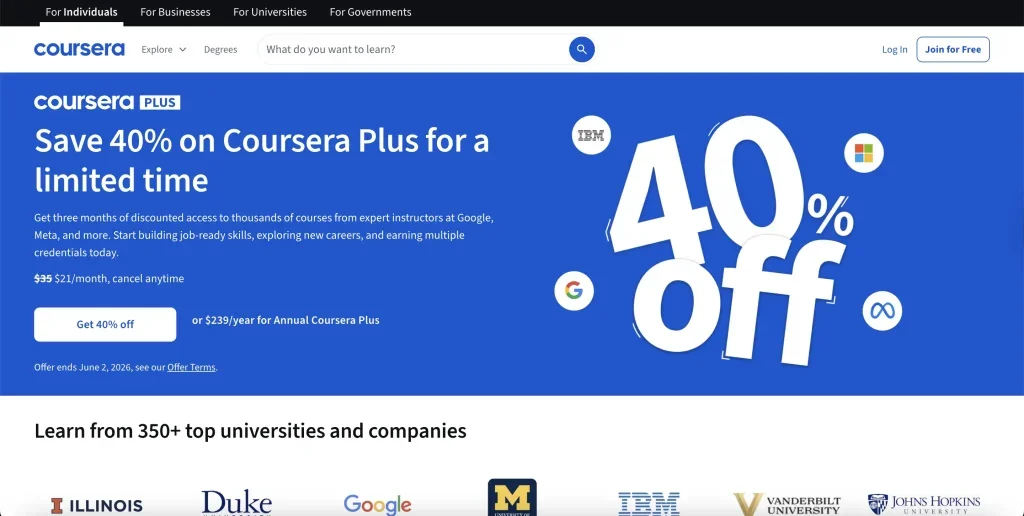
Best for: University-backed courses, professional certificates, and structured career learning Price: Some learning content is free, while many certificates and programs are paid Good for beginners? Yes, especially if you want a guided path
Coursera is one of the most popular platforms for online courses with certificates.
It works with universities and companies to offer courses in business, technology, data, health, marketing, personal development, and more.
The biggest advantage of Coursera is credibility.
Many courses are created by universities or companies that people already recognise. Coursera
Plus, for example, gives access to over 90% of Coursera’s courses, projects, specialisations, and professional certificates, with access to more than 10,000 learning programs.
Coursera can be a good choice if you want something more structured than a random video course. Many programs include lessons, quizzes, projects, and a clear learning path.
That makes it easier for beginners who do not know where to start.
Coursera also offers Professional Certificates from companies and universities, with some programs starting at $49 per month.
This can be useful if you want to learn a job-related skill such as data analytics, UX design, digital marketing, IT support, or project management.
However, Coursera is not always the cheapest option.
Some individual courses can be affordable, but longer programs and degrees can cost much more. That is why Coursera works best when you already know what skill you want to build.
When Coursera makes sense
Coursera is a strong option if you want a serious course from a well-known university or company.
It is especially useful for career-focused learning, where you want a certificate that looks more professional than a simple completion badge.
It is not the best choice if you only want a quick, cheap tutorial. For that, Udemy or free YouTube resources may be enough.
2. Udemy
Best for: Cheap practical courses and one-time purchases Price: Course prices change often, but discounts are common Good for beginners? Yes, but course quality depends on the instructor
Udemy is one of the easiest platforms to use if you want to learn one specific skill without paying for a monthly subscription.
You can find courses on almost everything: Excel, coding, graphic design, copywriting, social media, freelancing, business, personal finance, photography, and more.
This makes Udemy useful for people who want practical skills they can start using quickly.
One important benefit is lifetime access.
Udemy says that students usually receive lifetime access to a purchased course, no matter what price they paid or whether they used a coupon. This is helpful if you want to learn slowly, repeat lessons, or return to the course later.
Udemy also offers a Personal Plan subscription in some markets. With this plan, users can access thousands of selected courses, while buying a single course gives lifetime access only to that course and its material.
The main weakness of Udemy is quality control.
Since many courses are made by independent instructors, some are excellent and some are outdated. Before buying, check the course rating, reviews, number of students, last update date, and lesson preview.
When Udemy makes sense
Udemy is a good option if you want to learn a practical skill cheaply.
It works well for skills like Excel, Canva, WordPress, Python basics, digital marketing, freelancing, and basic design.
It is not the best choice if you need a university-backed certificate. For that, Coursera or edX may be better.
3. edX
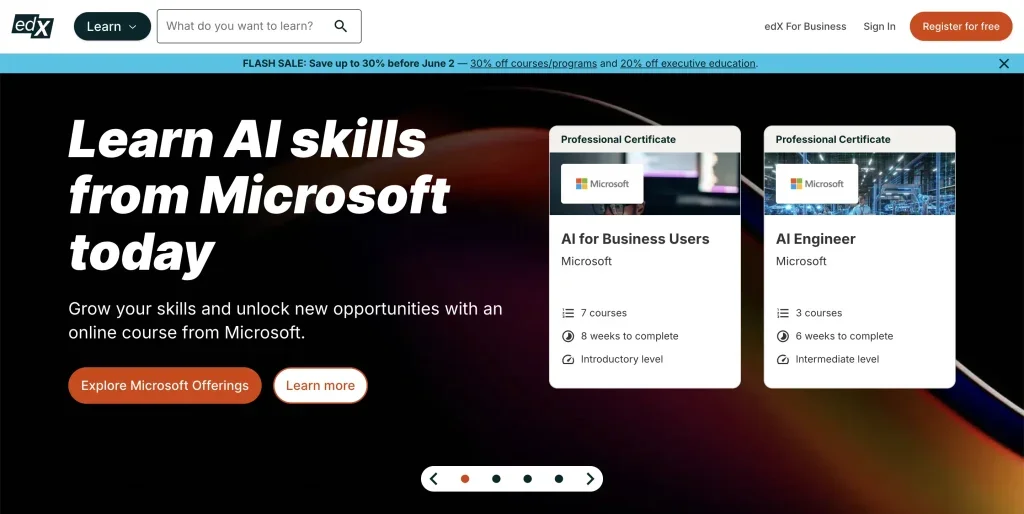
Best for: University-level learning and academic-style courses Price: Many courses can be audited for free, but certificates are paid Good for beginners? Yes, but some courses may feel more academic
edX is another strong platform for people who want serious online learning.
It was founded by Harvard and MIT, and it offers courses from universities, institutions, and companies.
The biggest advantage of edX is that many courses can be explored for free through the audit option.
edX explains that many free courses let users access course content, but certificates are not included unless the learner upgrades to the paid verified track.
This makes edX useful if you want to learn without paying first. You can test the course, see if the teaching style works for you, and then decide if the certificate is worth buying.
edX can be especially good for subjects like computer science, business, data, engineering, science, and academic topics. It also offers verified certificates, professional certificates, and full programs.
The downside is that edX can feel more formal than Udemy or Skillshare. Some courses are more demanding, and they may not be as quick or casual.
When edX makes sense
edX is a good option if you want to study from respected institutions and you do not mind a more academic style.
It is best for learners who want depth, not just a quick “how-to” course.
4. LinkedIn Learning
Best for: Business, workplace, creative, and technology skills Price: Usually subscription-based, with individual and business plans Good for beginners? Yes, especially for professional skills
LinkedIn Learning is useful if your main goal is career development. It offers courses in business, technology, creative work, leadership, project management, communication, Excel, software tools, and many other workplace skills.
LinkedIn says its learning platform includes more than 25,000 courses globally, with content available in multiple languages and subtitle options.
This makes it a broad platform for people who want to keep building professional skills over time.
A big advantage is that completed courses can be added to your LinkedIn profile. This does not guarantee a job, of course, but it can help show that you are actively learning.
LinkedIn Learning is also simple to use.
The courses are usually short, clear, and focused on practical workplace topics. This makes it good for people who do not want long academic programs.
The downside is that LinkedIn Learning is usually subscription-based. That means it is better if you plan to take several courses in one month. If you only need one course, Udemy may be cheaper.
When LinkedIn Learning makes sense
LinkedIn Learning is a good choice if you want to improve professional skills and make your profile look more active.
It is especially useful for business, communication, software, leadership, marketing, and workplace productivity skills.
5. Skillshare
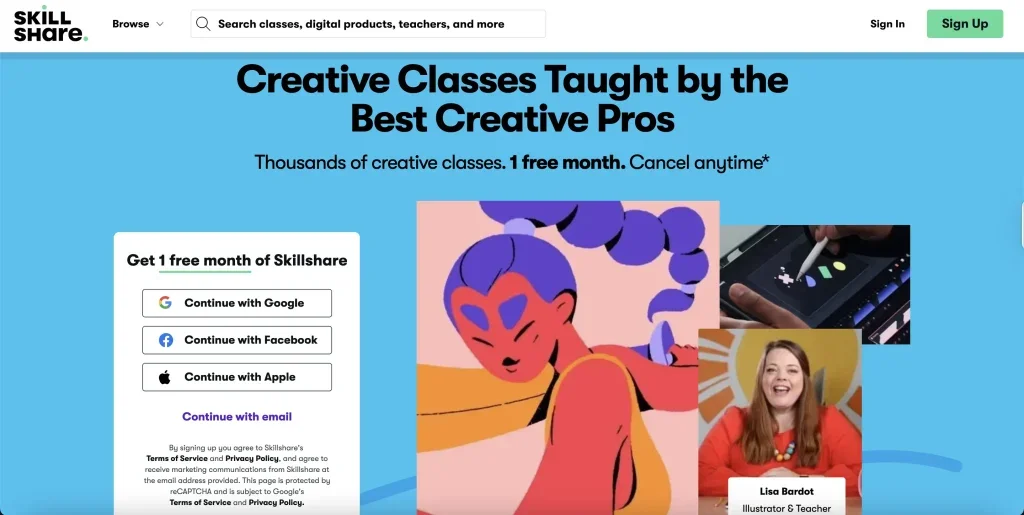
Best for: Creative skills and project-based learning Price: Paid membership, with free trials for eligible new users Good for beginners? Yes, especially for creative learners
Skillshare is different from Coursera and edX.
It is less academic and more creative.
The platform is popular for design, illustration, photography, video editing, writing, animation, branding, productivity, and creative business skills.
If you want to learn by watching practical lessons and completing small projects, Skillshare can be a good fit.
Skillshare’s pricing page shows an annual membership option, billed yearly, and the platform focuses on access to creative classes with no ads.
Skillshare also says free trials may be available for eligible new paid subscribers, but memberships renew automatically unless cancelled.
That last point is important. Skillshare can be affordable if you use it often, but it may not be worth it if you only want one course.
Also, Skillshare certificates are not usually as valuable for formal job applications as certificates from Coursera, edX, or LinkedIn Learning.
Still, for creative learning, it is one of the more enjoyable platforms.
When Skillshare makes sense
Skillshare is a good option if you want to learn creative skills in a simple, visual way.
It is especially useful for people interested in design, art, content creation, photography, and creative freelancing.
6. Alison
Best for: Free online learning with optional paid certificates Price: Courses are free to study, and certificates usually cost extra Good for beginners? Yes
Alison is one of the best platforms if your main goal is to study without paying upfront.
The platform offers thousands of free online courses across many categories. Alison’s course page states that it has over 6,000 free online courses available.
This makes it useful for learners who want to explore different subjects before spending money.
You can find courses in business, IT, health, management, language learning, personal development, sales, marketing, and more.
Alison can be especially helpful for beginners because it does not force you to pay before you start learning.
However, there is one thing to understand clearly: studying can be free, but certificates and diplomas usually cost money.
So if you only need knowledge, Alison can be very affordable. If you need proof of completion, check the certificate cost before starting.
The certificates may also not carry the same weight as certificates from universities or major companies. Still, for basic learning and skill-building, Alison is a strong free option.
When Alison makes sense
Alison is a good choice if you want free learning first and a certificate only if you need it later.
It works well for beginners who want to test different subjects without risk.
7. freeCodeCamp
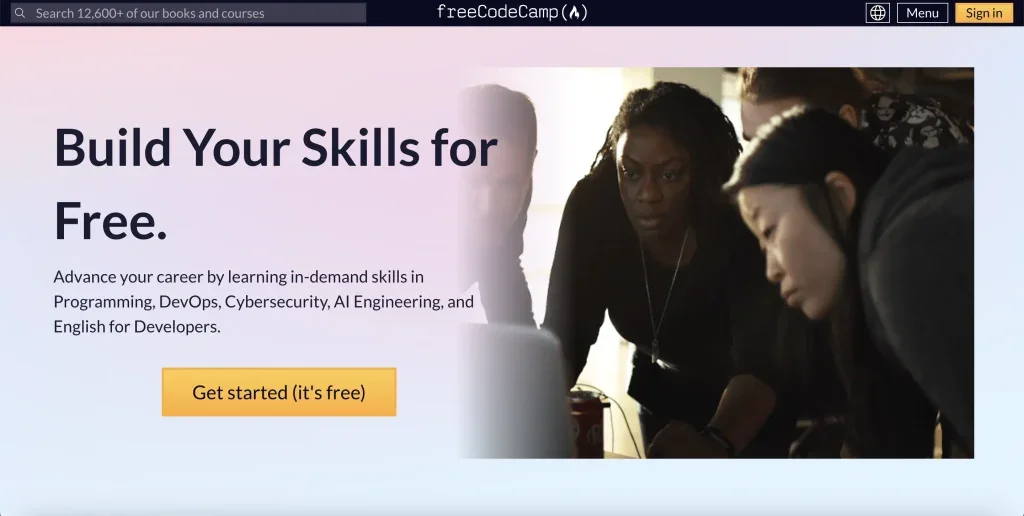
Best for: Learning coding and web development for free Price: Free Good for beginners? Yes, especially if you are patient and consistent
freeCodeCamp is one of the strongest free platforms for people who want to learn coding.
Unlike many platforms that offer only short free trials, freeCodeCamp is fully free.
The platform says its courses, projects, and certifications are 100% free.
This makes it a very good option for learners who want to build tech skills but cannot afford paid platforms.
You can study HTML, CSS, JavaScript, front-end development, back-end development, databases, Python, data visualisation, and more.
The learning style is practical.
You read short explanations, write code, complete exercises, and build projects. This is important because coding is not something you learn only by watching videos. You need to practice.
freeCodeCamp is not a quick shortcut. It requires time and patience. But if someone wants to learn web development or coding with no budget, it is one of the best places to start.
When freeCodeCamp makes sense
freeCodeCamp is best for learners who want to learn coding without paying for a course.
It is especially useful if your goal is to build a portfolio, practice real projects, and slowly move toward freelance or entry-level tech work.
Are Paid Certificates Worth It?
Paid certificates can be worth it, but only in the right situation.
A certificate can help if it comes from a known company, university, or platform.
It can also help if you add it to your CV, LinkedIn profile, or freelance profile and connect it with real skills.
But a certificate alone will not get you work.
For example, if you take a digital marketing course, you should also practice by creating sample campaigns, writing content, learning SEO basics, or managing a small social media page.
If you take a coding course, build projects. If you take a design course, create a small portfolio.
The skill matters more than the certificate.
So before paying, ask yourself one simple question: will this certificate help me prove something useful, or am I only paying because it feels official?
FAQ
What is the best platform for affordable online courses?
Udemy is one of the best choices for cheap practical courses. Coursera and edX are better if you want more structured learning and stronger certificates.
What is the best free online course platform?
Alison is good for general free courses, while freeCodeCamp is one of the best free platforms for coding and web development.
Are online course certificates useful?
Yes, but only when they support real skills. A certificate can improve your profile, but employers and clients usually care more about what you can actually do.
Is Coursera better than Udemy?
Coursera is better for university-style learning and professional certificates. Udemy is better for cheap, practical, one-time courses.
Is Skillshare good for beginners?
Yes, Skillshare is good for beginners who want to learn creative skills like design, illustration, writing, photography, or video editing.
Should I pay for an online course?
Pay only if the course teaches a skill you actually need, has good reviews, is updated, and fits your goal. Many beginners can start with free courses first.
Conclusion
The best affordable online courses are not always the cheapest ones. The best choice is the course that helps you learn a real skill without wasting money.
Coursera and edX are strong for structured learning and certificates. Udemy is great for affordable practical skills.
LinkedIn Learning works well for professional development.
Skillshare is useful for creative learners. Alison is a good free starting point. And freeCodeCamp is one of the best options if you want to learn coding without paying.
Start with your goal, not the platform. Once you know what skill you want to learn, it becomes much easier to choose the right course.